- Home
- Hub Photo Studio
Photo post maker with ready templates.
Birthday wishes, festival greetings, sale posts, invitations and thumbnails. Pick a template, drop in your photo, let the studio remove its background, change the words and download. All in your browser.
Free account: one template in every category, PNG and JPG downloads, 5 saved designs. Pro unlocks all 83.
- Background removal
- Hindi and Indian scripts
- PNG and JPG
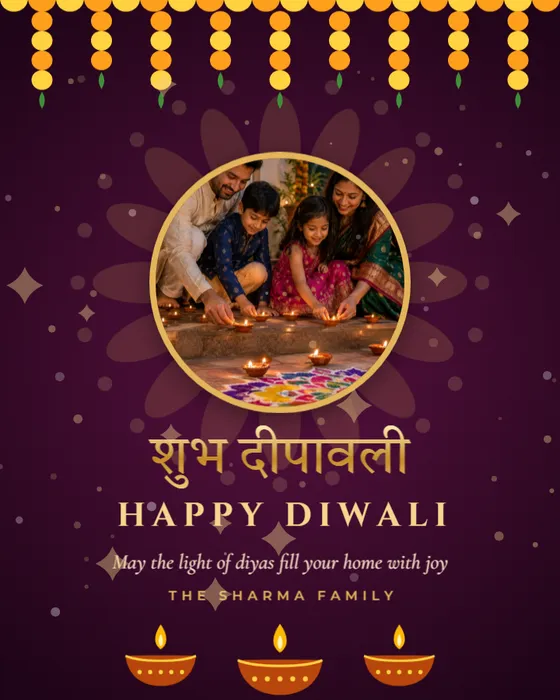
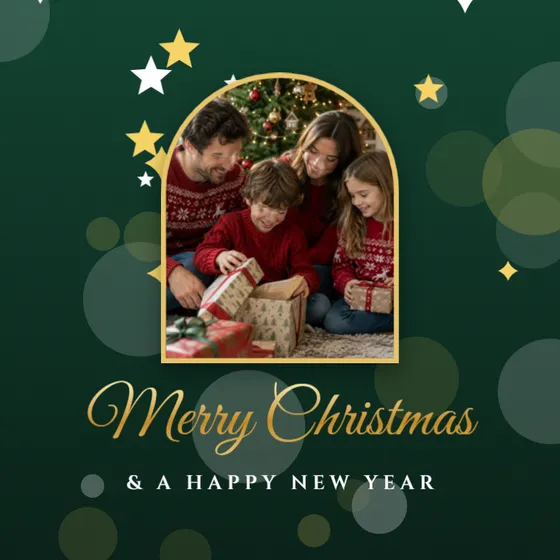
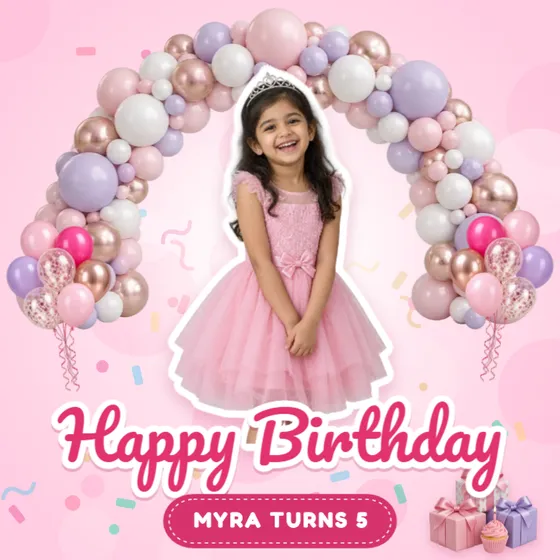
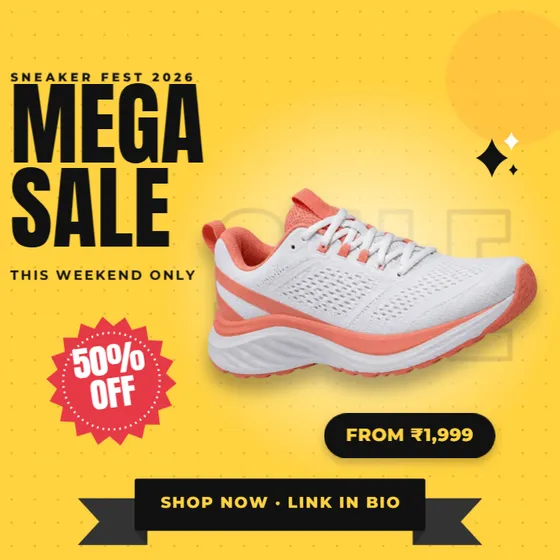
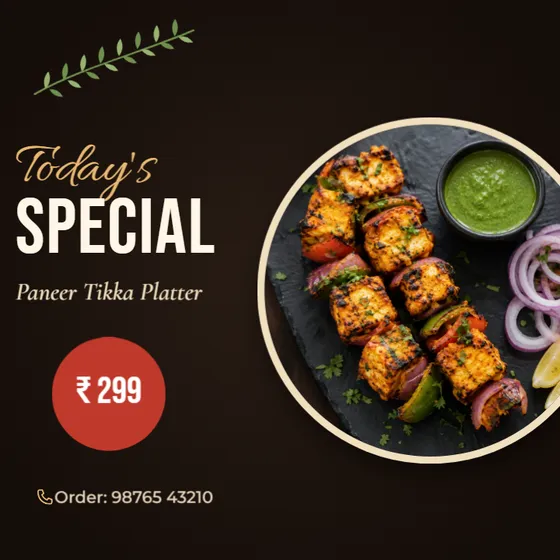
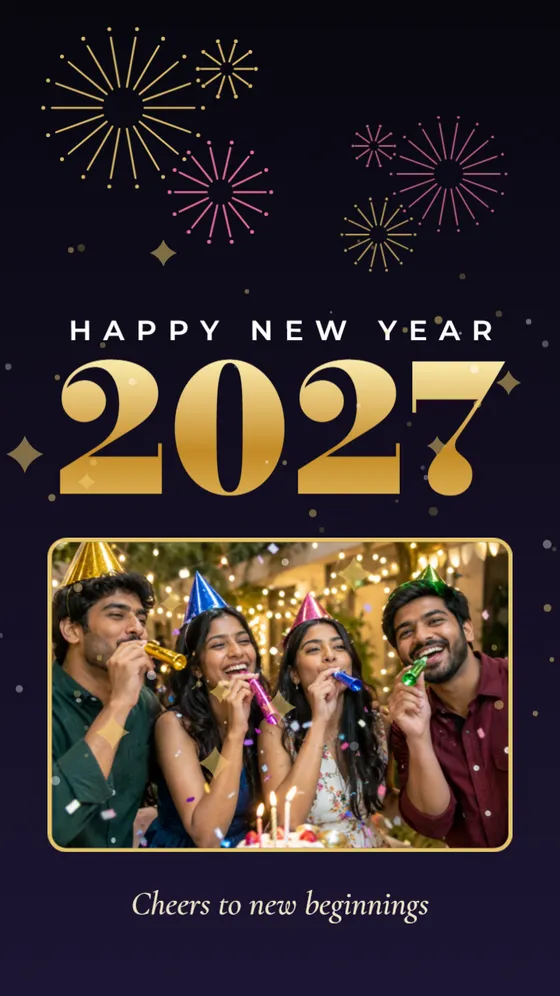
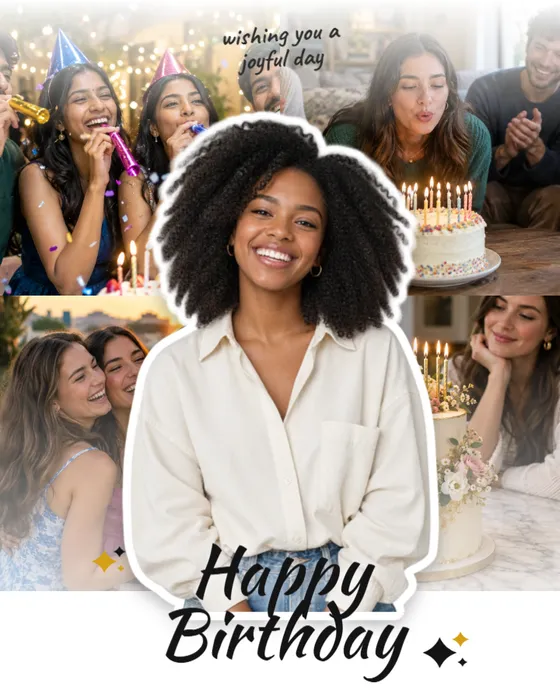
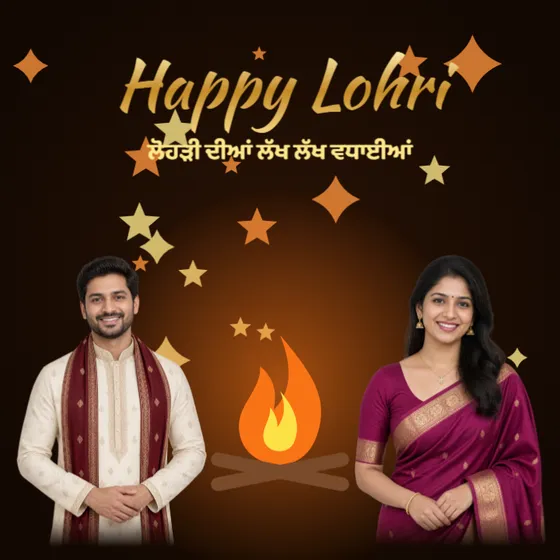
83 templates for the posts you actually make
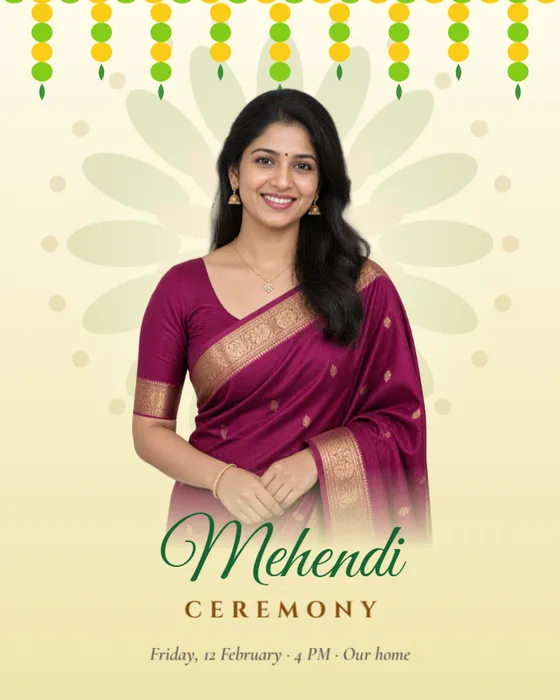
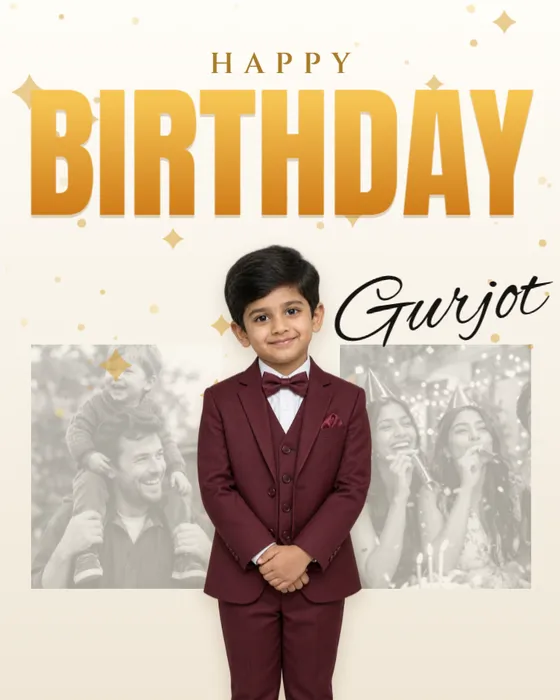
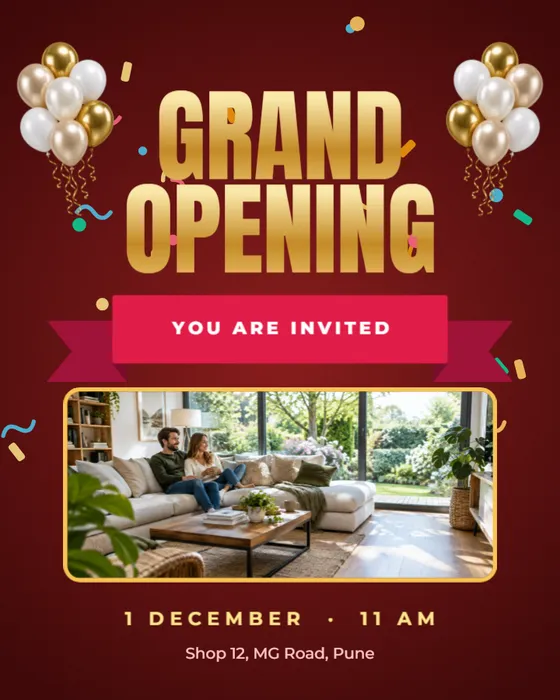
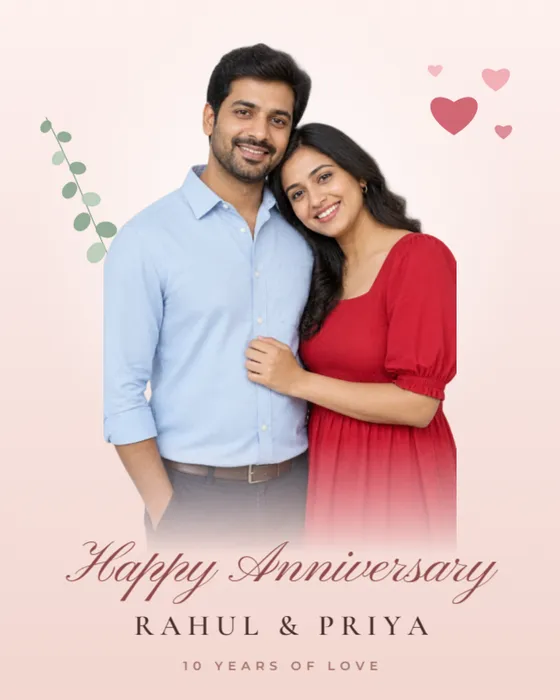
Real templates from the studio, shown with sample photos. One template in every category is free with an account, and Pro unlocks all 83.

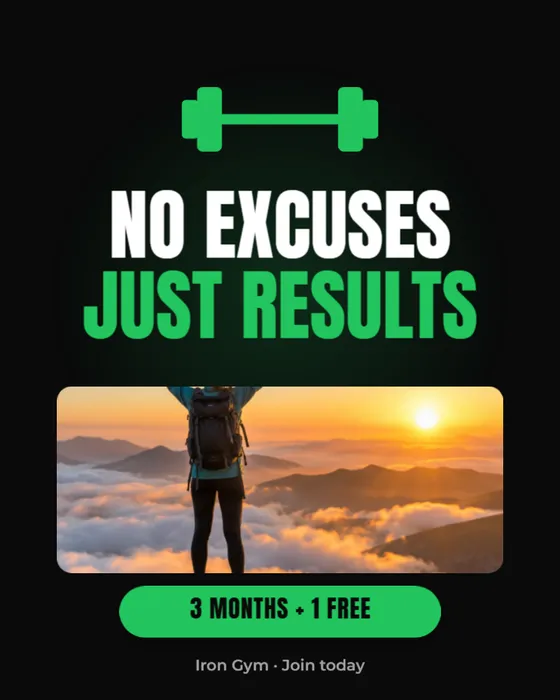
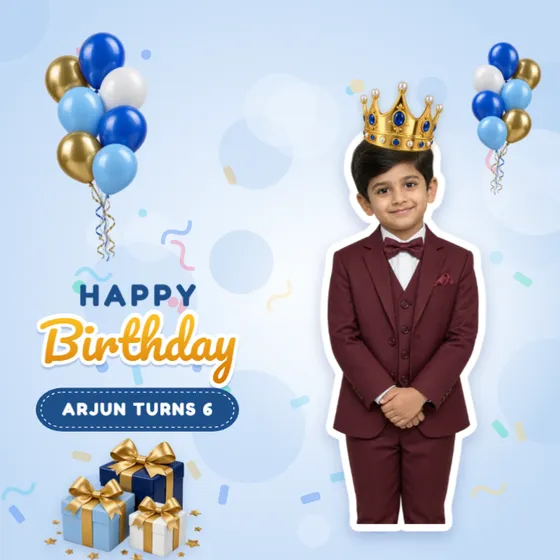

- Birthday 13
- Love 6
- Festival 12
- Celebration 3
- Tribute 1
- Invitation 2
- Business 14
- Quote 2
- YouTube 2
- Event 4
- Wedding 3
- Special days 5
- Food 3
- Real estate 2
- Education 3
- Fitness 1
- Corporate 3
- Social media 4
Search the templates by name in the studio, or filter them by category.
Browse all 83 templatesFrom a photo to a finished post in three steps
-
1
Pick a template
Browse 83 templates by category, or start from a blank page in any post size.
-
2
Add your photo and words
Drop a photo into a frame; cut-out frames remove its background for you. Double-click any text to change it, and recolour the ornaments.
-
3
Download
Save it as a PNG for the sharpest result or a JPG for WhatsApp, ready to post. Pro adds 2× HD and SVG.
Everything a photo post needs, nothing to install
Background removal in your browser
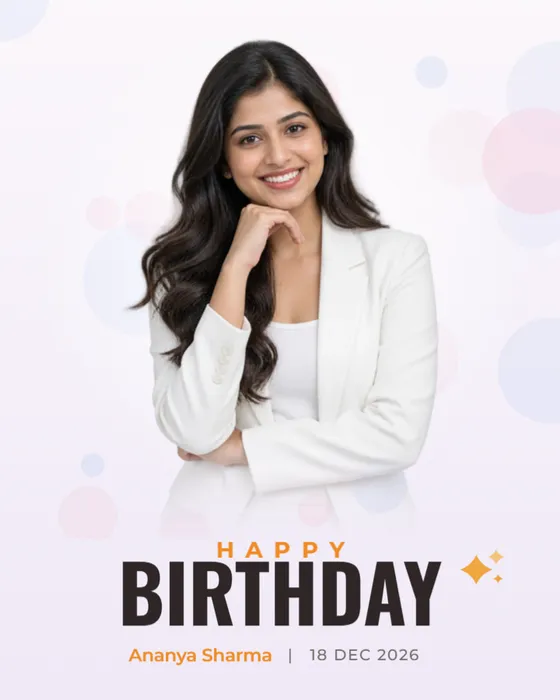
Drop a photo into a cut-out frame and the background is removed on your device, with an optional sticker outline around the person.
1,729 Google Fonts
Every Google Fonts family, with Hindi, Punjabi, Gujarati, Bengali, Tamil and Telugu scripts, plus curved text, outlines, gold gradients and shadows.
Every post size
Instagram 4:5 and square, Story and WhatsApp status, Facebook and LinkedIn, YouTube thumbnail and A4 poster. Resize keeps the design.
3D elements and ornaments
Balloons, cakes, diyas, gifts and crowns as 3D elements, plus frames, florals, confetti and badges you can recolour.
Undo, autosave, My projects
Every change can be undone and is saved in your browser. Keep designs on your account: 5 free, 50 with Pro.
Your photos stay with you
Photos and background removal stay in your browser while you edit. Nothing is uploaded unless you save to My projects.
Posts for family, festivals and business
Birthday and anniversary wishes
Put the birthday person front and centre, add their name and age, and send it as a post or a WhatsApp status.
Festival greetings
Diwali, Christmas, New Year, Eid, Holi and more, with your family photo and your own message.
Shop and business posts
Sale banners, new arrivals, hiring posts, menus, combo offers and "just listed" property posts with your prices.
Invitations and events
Weddings, mehendi and haldi, parties, workshops, webinars and live nights, in post or A4 poster size.
Schools and coaching
Admissions open, topper results and online course posts, with photos of your students or teachers.
Creators
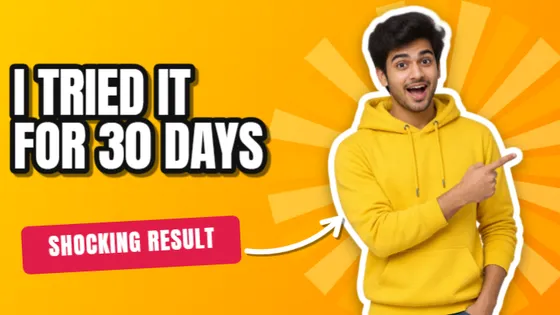
YouTube thumbnails, tips lists, quotes and "this or that" posts in your own fonts and colours.
Start free with an account. Upgrade for every template.
Make and download posts
- 18 free templates, one in every category, to edit and download
- Blank pages in every post size
- PNG and JPG at full post size
- Background removal, fonts and 3D elements
- 5 designs saved to your account
- The other 65 templates, SVG and 2× HD
Every template, every format
- All 83 templates to edit and download
- PNG and JPG at full size or 2× HD
- SVG, an editable vector file
- Background removal, fonts and 3D elements
- 50 designs saved to your account
- Plus every HubToolify icon style, sticker pack and tool
Drafts are always kept in your browser as well.
Questions about Hub Photo Studio
Is Hub Photo Studio free?
Yes, with a free HubToolify account. The first template in every category (18 in all) is free to edit and download as a PNG or JPG at full post size, and you can start from a blank page in any size. The other templates are Pro: HubToolify Pro unlocks all 83, plus 2× HD images, SVG files and up to 50 saved designs.
Why do I need an account?
The studio opens after you log in, so your designs, uploads and downloads stay tied to you. A free account takes a minute with Google or email, and no card is needed.
Is my photo uploaded?
No, not while you edit. Your photos and the background removal stay in your browser, and drafts are kept in this browser too. A photo is only uploaded if you save the design to My projects on your account, and then only you can open it.
How does background removal work?
Frames made for a cut-out, such as the person in a birthday portrait, remove the photo's background automatically when you add it. The model runs in your browser, so it needs a recent Chrome, Edge, Firefox or Safari, and the first run downloads the model once.
Which sizes can I make?
Instagram post (4:5 and square), Story, WhatsApp status and Reel cover (9:16), Facebook and LinkedIn post, YouTube thumbnail, and an A4 poster or invitation. Resize keeps your design and moves it into the new frame.
Can I write in Hindi or other Indian languages?
Yes. The text tool has 1,729 Google Fonts families, filterable by script, including Hindi and Marathi (Devanagari), Punjabi, Gujarati, Bengali, Tamil and Telugu.
Can I use my designs commercially?
Your own photos and words stay yours, and what you make in the studio may be used commercially under the HubToolify terms, subject to the licences of the artwork it includes and any third-party rights. Use only photos you own or have permission to use. HubToolify artwork in a design does not become your exclusive property or trademark. The licences page has the details.
Can I save a design and finish it later?
Yes. Every change is saved in your browser as you work. My projects keeps designs on your account so you can open them on another device: 5 on a free account and 50 with Pro.
Make your first post in a few minutes
Log in or create a free account, pick a template and add your photo.