Pro Every tool, icon and stickerAll of Pro for $5.99/month

  • All 90 tools
  • Every icon style
  • Icon & sticker pack ZIPs
Go Pro
HubToolify

Live on Figma Community

Your icon library, right inside Figma

Search icons, icon sets and stickers in a panel and drop them on the canvas as clean, editable vectors. Or describe one and AI draws it, without leaving your file.

  • Free to install
  • Free styles without an account
  • Editable vectors
4,309original icons
16styles, 3 of them free
35matching icon sets
1,430stickers in 27 packs

Four tabs, one panel

Everything a screen needs

The HubToolify library in a Figma panel: the same search, the same styles and the same account as the website.

Icons

Every icon, a click away

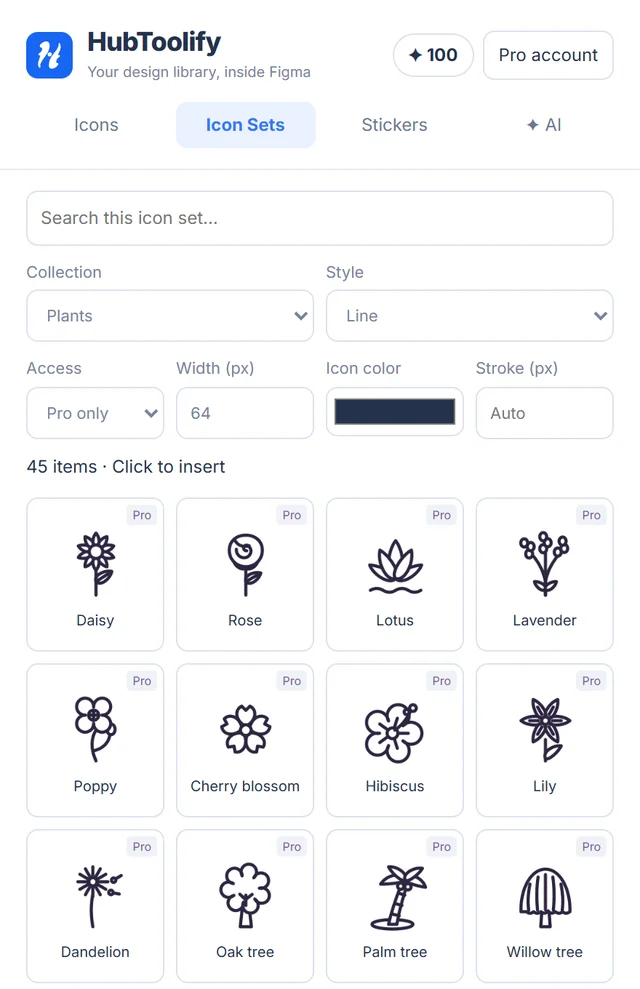
Search 4,309 original icons by name or meaning, set the width, stroke and colour, and click to drop an editable vector on the canvas.

  • Line, Solid and Duotone free, no account needed
  • Line icons keep their strokes, so the weight stays editable
  • Pick a collection or a style to narrow the grid
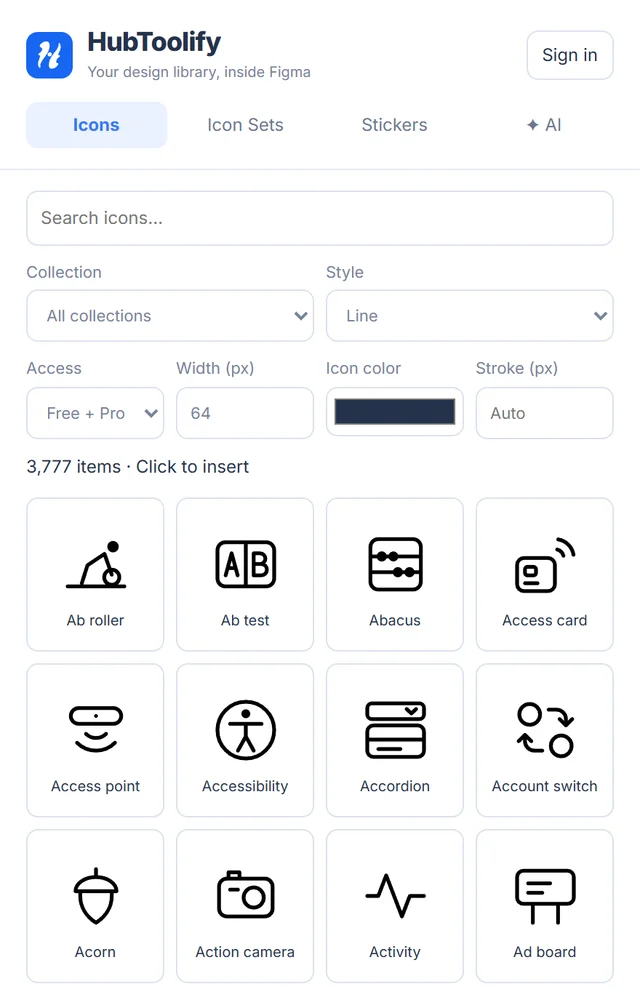
The Icons tab of the HubToolify Figma plugin

Icon sets

35 matching icon sets

Whole families drawn on one grid, plus the country flags and the technology collections, so a screen never mixes styles.

  • Each set's free items work without signing in
  • Flags, brand colours and multicolour art keep their colours
  • The colour picker only recolours single-colour artwork

See all icon sets

The Icon sets tab of the HubToolify Figma plugin

Stickers

1,430 stickers as vectors

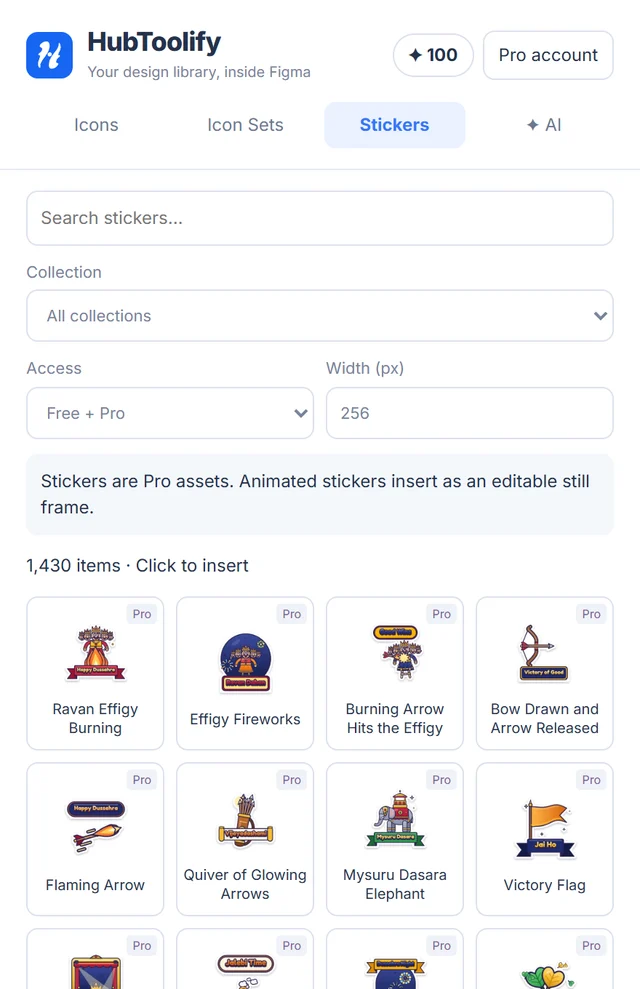
27 packs for festivals, greetings and work. Each one lands as an SVG you can ungroup, recolour and resize without blur.

  • Filter by pack, then click to insert
  • Animated stickers arrive as their editable still frame
  • Browse free; inserting needs Pro

Browse the stickers on the website

The Stickers tab of the HubToolify Figma plugin

✦ AI

Describe it. AI draws it in Figma.

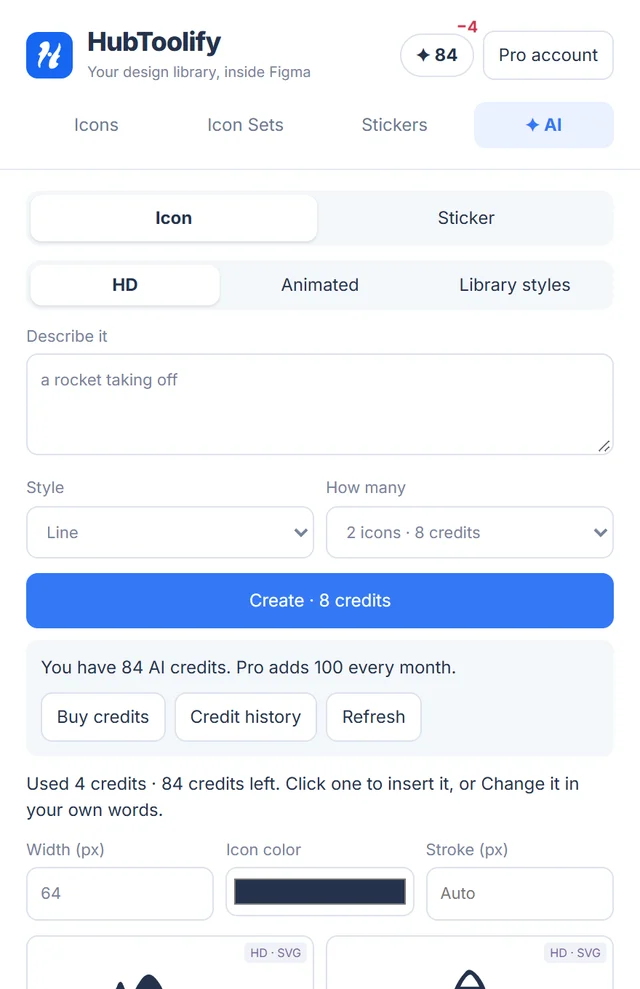
The same engines as the AI Icon and Sticker Generators: HD icons traced to vectors, animated icons, every library style, stickers and animated stickers.

  • The price is on the Create button before you send
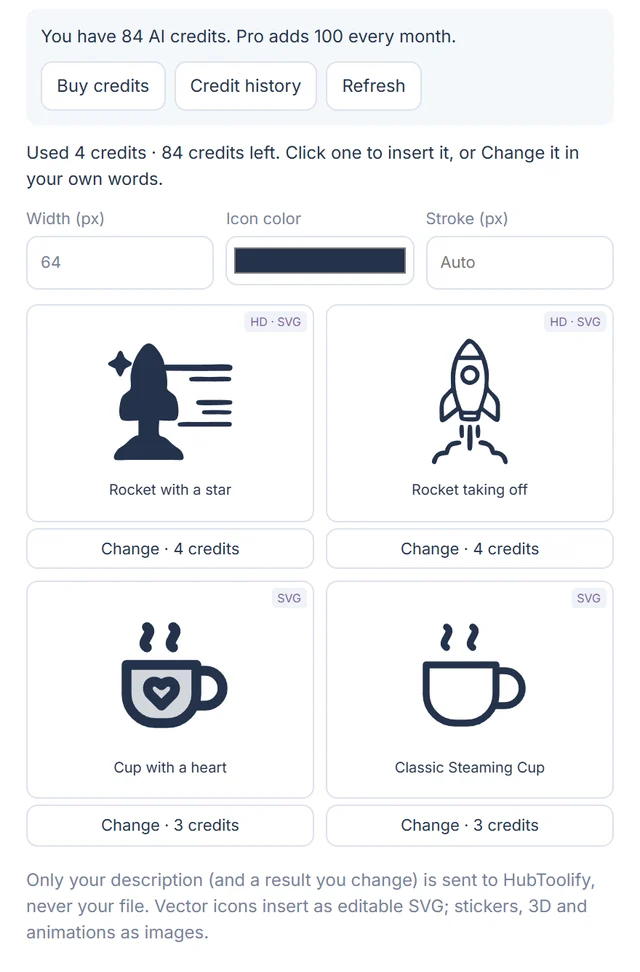
  • Change any result in your own words
  • Icons land as SVG, stickers as PNG, animations as GIF

Paid with your HubToolify AI credits. Pro includes 100 every month. Nothing is sold inside Figma. How credits work

The AI tab of the HubToolify Figma plugin AI icon results in the HubToolify Figma plugin, each with Change

At a glance

Icons, sets, stickers and AI side by side

The four tabs of the HubToolify Figma plugin: Icons, Icon Sets, Stickers and AI

Get started

Up and running in a minute

Open it from Figma Community

On the plugin page click Open in… and pick a Design file, or Save it for later.

Run it in any file

Open Actions → Plugins & widgets and search "HubToolify". Free icons work straight away.

Sign in for Pro and AI

Click Sign in: your browser opens hubtoolify.com, you sign in with email or Google and enter the code the plugin shows.

Free and Pro

Start free, unlock everything with Pro

Free

No account needed

Enough for wireframes and most interfaces.

  • 4,309 icons in Line, Solid and Duotone
  • Width, stroke and colour before you insert
  • The free items of every icon set
  • Browse all 1,430 stickers
Pro

Your whole HubToolify plan

The same Pro account as the website, nothing extra to buy in Figma.

  • 13 more styles: Sharp, Duo, Flat, 3D and more
  • Every item in all 35 icon sets
  • Insert all 1,430 stickers as vectors
  • 100 AI credits every month

See Pro plans · Icons you placed stay in your files if your plan ends.

Privacy

Your files stay yours

The plugin talks only to hubtoolify.com and only places what you click.

  • Never reads your fileYour document and selection are never sent anywhere. AI sends only your description.
  • No password in FigmaSign-in happens in your browser. The plugin keeps a token in Figma's own storage on your computer, never in the file.
  • Checked on every insertPro access follows your current plan, verified on hubtoolify.com each time.
  • Disconnect any timeSign out in the plugin, or under Account → Connected apps.

Questions

Frequently asked

Is the HubToolify Figma plugin free?

Yes. It is free to install, and the Line, Solid and Duotone icons plus each icon set's free items work without an account. The 13 Pro styles, every set item and stickers need HubToolify Pro. There is no separate Figma subscription.

How do I sign in?

Click Sign in in the plugin. Your browser opens hubtoolify.com, where you sign in with email or Google and enter the code the plugin shows. The plugin never sees your password.

Does the plugin read my Figma file?

No. It only places what you click. Your document and your selection are never sent anywhere. For AI, only your description (and, for a change, the picture being changed) goes to HubToolify.

How do AI credits work in Figma?

AI uses the credits on your HubToolify account, the same wallet as the website. Pro includes 100 credits every month. The balance is in the plugin header and every Create button shows its price. Nothing is sold inside Figma; Buy credits opens hubtoolify.com.

What happens to my icons if my plan ends?

Icons and stickers you already placed stay in your files. Pro access is checked each time you insert, so new Pro items need an active plan.

How do I disconnect the plugin?

Sign out in the plugin, or open Account → Connected apps on hubtoolify.com and choose Disconnect. It stops working at once.

Bring HubToolify into your next design

Free to install. Free styles without an account. Pro and AI with the HubToolify account you already have.